
Stats
Stats sums up each kid’s week: how many of their jobs got done, how long they took, and what happened to their money. Open it from Family › Records › Stats.
Pull down to refresh. Until your kids have some jobs, you’ll see “No stats yet.”
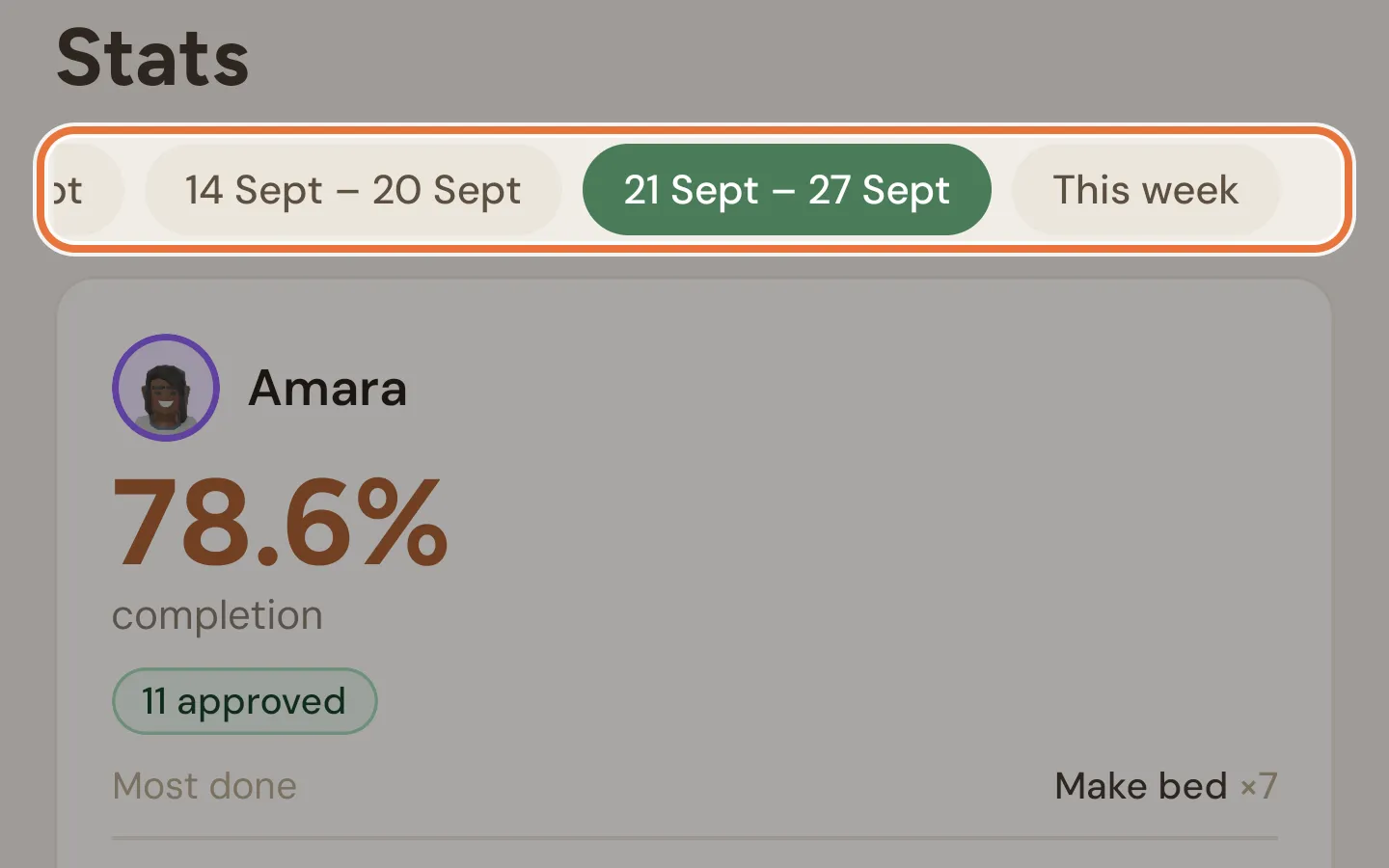
The chips at the top pick the week. You can look at the four full weeks before this one, plus This week, which is the one that opens first. Earlier weeks are labelled with their dates, like “4 Aug – 10 Aug”.
Weeks run Monday to Sunday, in your family’s time zone. In This week, days that haven’t happened yet aren’t counted.
Weekly awards
Section titled “Weekly awards”Awards are handed out for the most recent full week (last week), so they only show when that week’s chip is selected. Each card shows the award, the kid who won it, and the number behind it.
| Award | Goes to | Shows when |
|---|---|---|
| 🏆 Best Completer | The highest completion rate | Any kid had a job approved |
| 🐢 Needs a Nudge | The lowest completion rate | At least two kids had jobs due |
| 💰 Best Saver | Whoever kept the most (earned minus spent) | At least two kids had money come in or go out, and the winner kept something |
| ⏰ Most Time on Tasks | The most time on approved jobs | At least two kids had time recorded on approved jobs |
| ⏩ Most Skipped Steps | The most skipped steps | Any kid skipped a step |
The comparisons need at least two kids with something to compare, so a family with one kid only ever sees Best Completer and Most Skipped Steps. Hopefully more of the first.
Kid cards
Section titled “Kid cards”Each kid gets a card for the selected week.
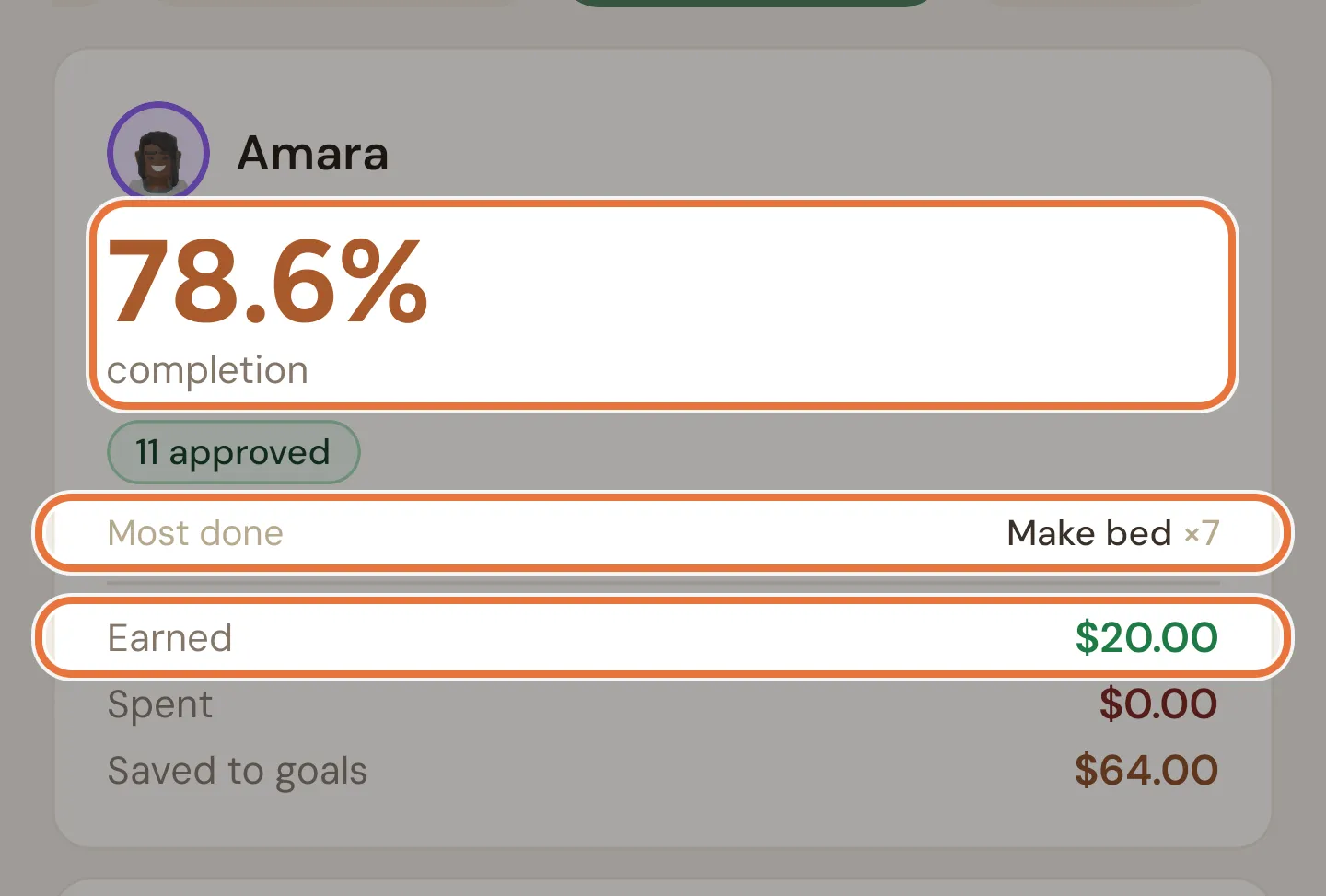
Completion is the share of jobs due that week that were approved. It’s green at 80% or more, amber from 50%, and red below that. A dash means nothing was due. Only jobs with a day count (daily, weekly, monthly and one-off); any-time jobs (On Demand) don’t.
Below that, when there’s something to show:
| Item | What it counts |
|---|---|
| approved / declined | Jobs you approved, and jobs you sent back |
| on tasks | Total time on the timer for approved jobs, like “12m on tasks” |
| steps skipped | Steps ticked off within about a second of reaching them |
| Most done | The job approved most often, with how many times |
| Most missed | The job most often due with nothing submitted at all. Sent-back jobs don’t count as missed. |
| Most skipped | The step skipped most often |
And the money for the week:
| Item | What it counts |
|---|---|
| Earned | Money that came into their buckets |
| Spent | Money that went out of their buckets |
| Saved to goals | Money put toward their savings goals, whether by you, by them or by auto-fund. Only shows if there was some. |